
SHAREit
SHAREit is a free Windows app from the SHAREit Team for moving photos, videos and documents between a PC and a phone. The current version is 5.1.0.7.
22.7 MB

iCloud for Windows is Apple's app that brings iCloud storage, photos and files to a Windows PC. Version 15.9.60.0 is the current release.
Average 0.0 · ratings: 0
Thank you! Your rating is saved; you can change it. Could not save the rating. Please try again later. Too many ratings from your network today. Please try again tomorrow. The average appears after 5 ratings.
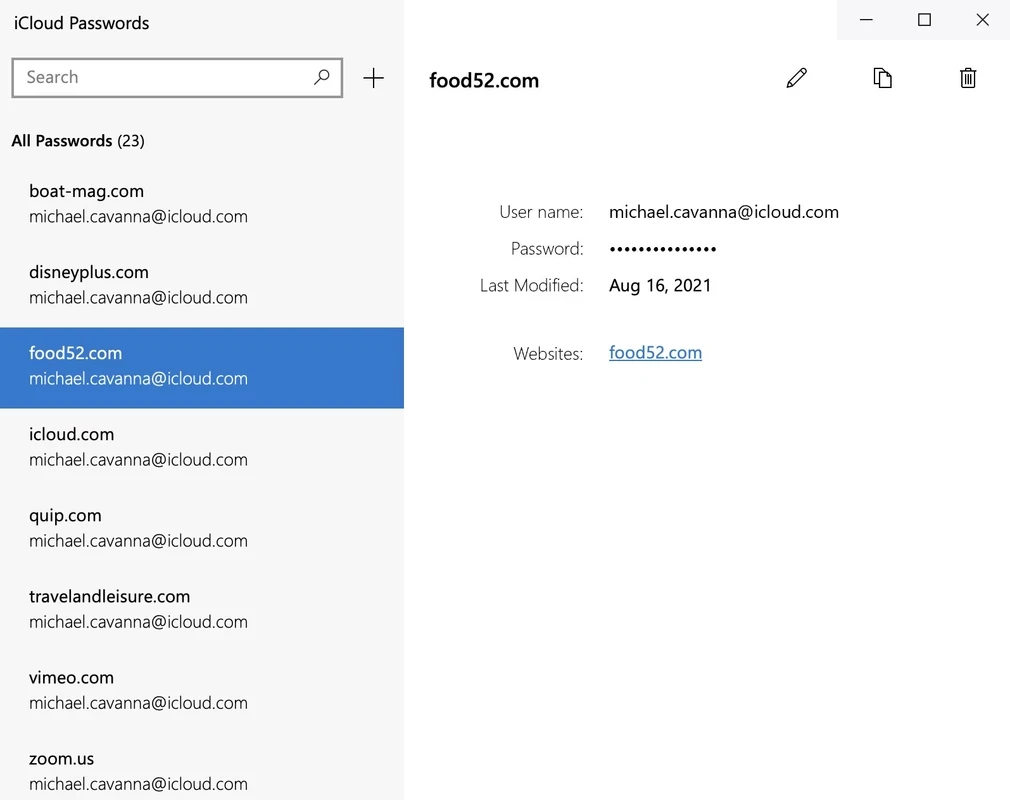
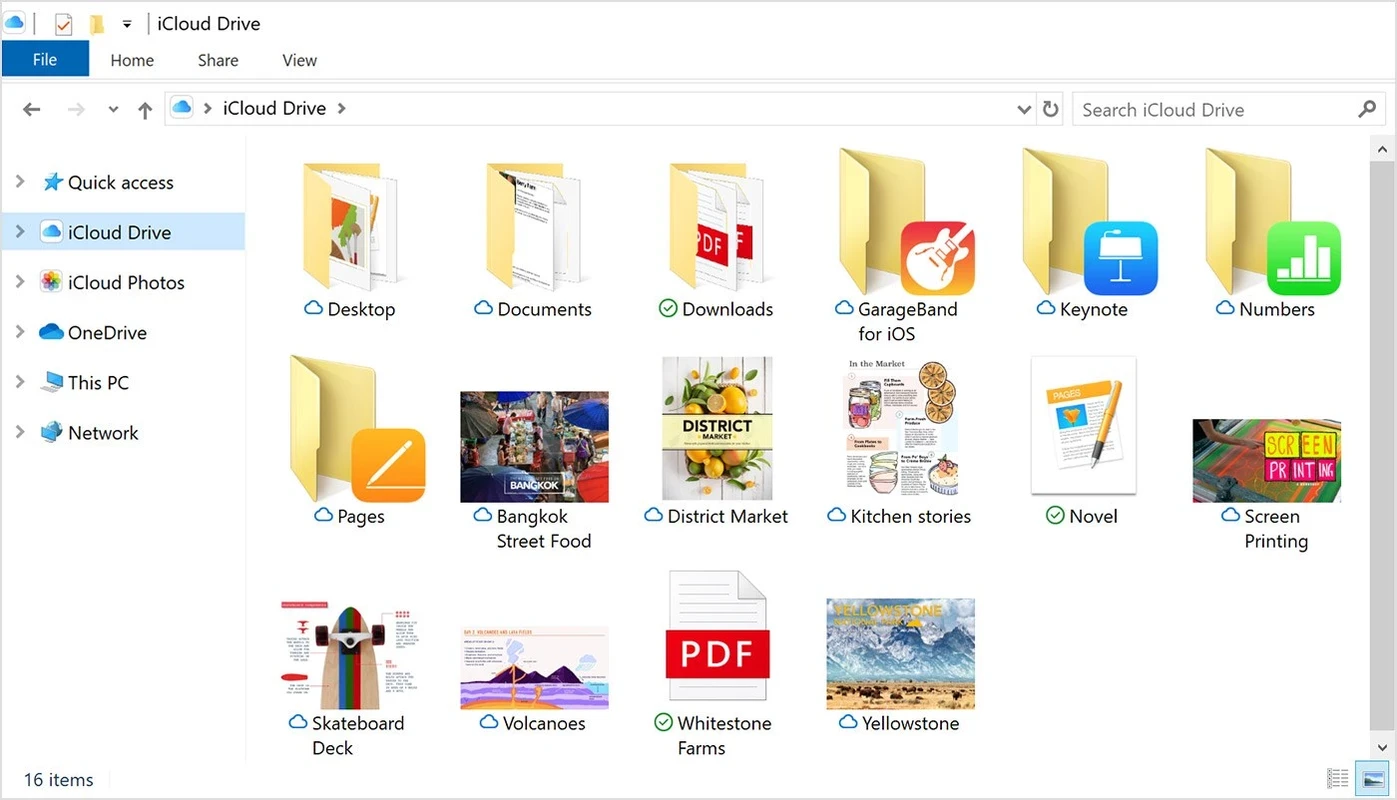
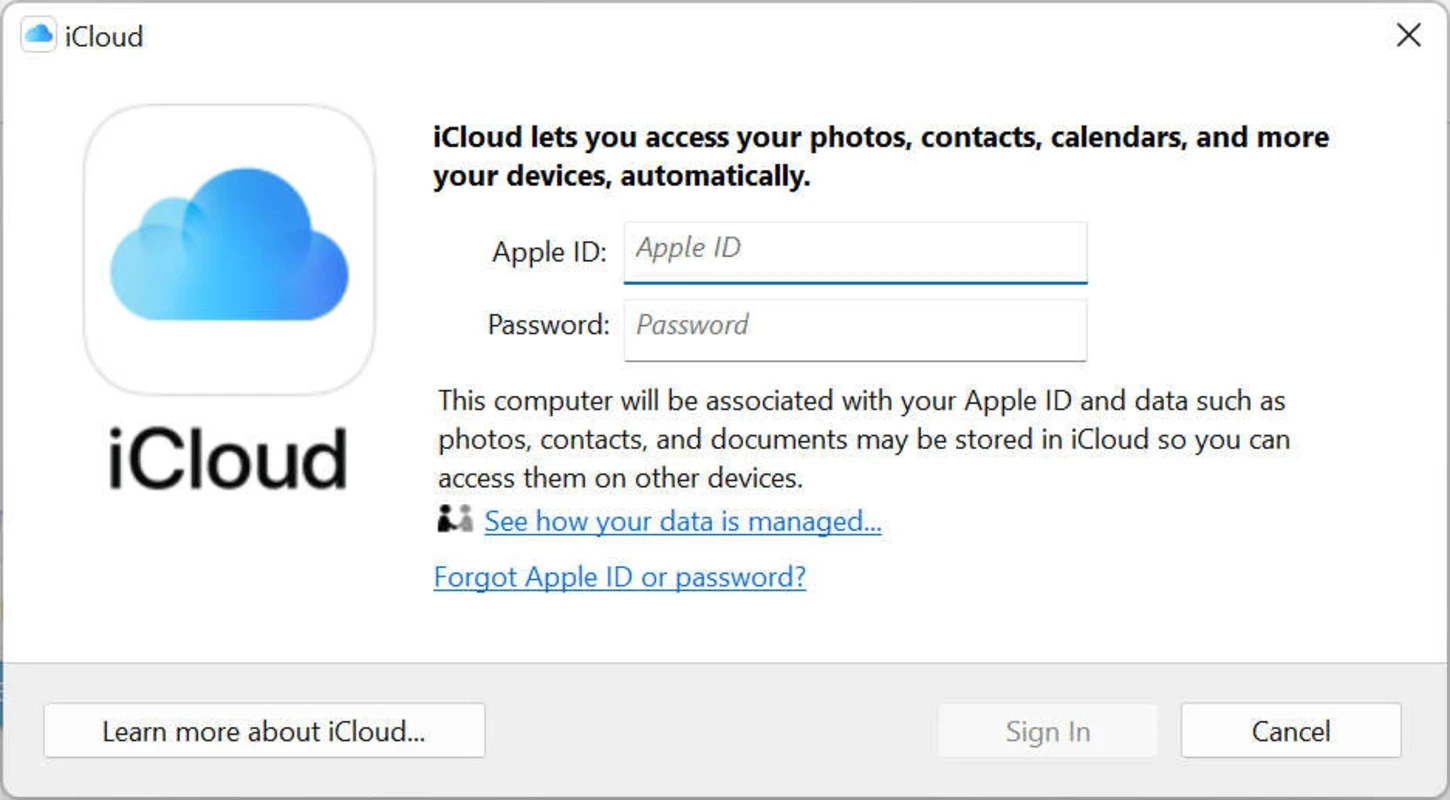
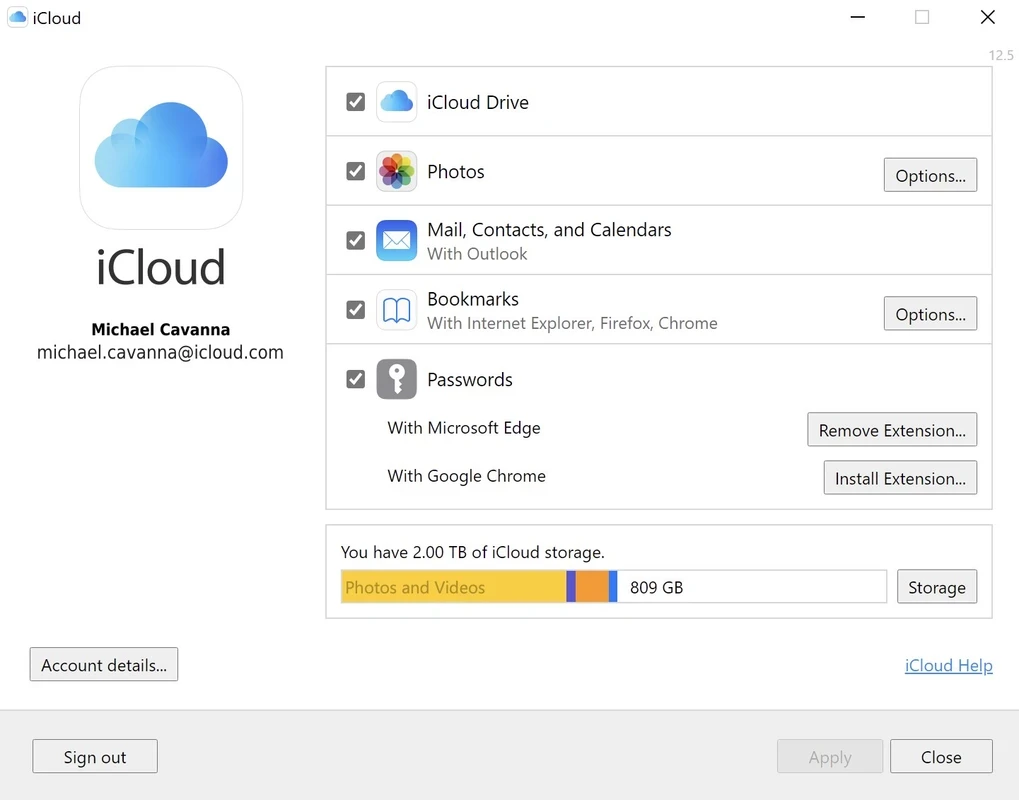
iCloud 15.9.60.0 for Windows is Apple's free app that connects a Windows PC to iCloud, the company's cloud storage service. If you own an iPhone or iPad, you can download it to see your photos and files on the computer; the spec sheet below sums up what you need.
| Parameter | Value |
|---|---|
| App | iCloud for Windows |
| Version | 15.9.60.0 |
| Developer | Apple |
| System | Windows |
| Licence | Free (proprietary) |
| Service type | cloud storage and file hosting |
| Download size | about 342.49 MB according to catalogue data |
| Updated | September 2026 |
iCloud is Apple's cloud service. On an iPhone, iPad or Mac it stores photos, documents, backups and more in your Apple account. The Windows app is the bridge for people who use Apple devices but work on a PC. After you sign in, iCloud Drive appears in File Explorer like any other folder, so you can open and save files that your phone or Mac also sees. Photos taken on the iPhone can show up on the PC, and pictures you add on the computer can go the other way. For a household with an iPhone and a Windows laptop, this saves a lot of emailing files to yourself. Without an Apple device the app offers little, because iCloud is built around the Apple account.
You can also reach your data in a browser at icloud.com.
Turn on two-factor authentication for your Apple account, which protects every device linked to it. Sign out of iCloud before you sell or lend the PC. Install the app only from the Microsoft Store or Apple, never from sites offering a modified version.
The app is free. Each Apple account comes with a small amount of free iCloud storage, and extra space is available through paid iCloud+ plans. A large photo library usually needs a paid plan.
If you do not rely on Apple devices, other cloud and transfer tools in our listings may fit better: Google Drive and MEGASync for cloud storage, and Quick Share or Xender for moving files between a phone and a PC.
SHAREit is a free Windows app from the SHAREit Team for moving photos, videos and documents between a PC and a phone. The current version is 5.1.0.7.

Zapya for Windows is a free file transfer app from DewMobile for moving files between a PC and phones over a local wireless connection.

Easy Connection to Screen is Samsung's Windows app for showing a PC's screen on a compatible Samsung TV over a wireless connection.

Internet Download Manager (IDM) is a shareware download manager for Windows from Tonec that accelerates, resumes and schedules downloads.

uTorrent (μTorrent) is a small BitTorrent client for Windows from Rainberry (BitTorrent Inc) for downloading and sharing files over torrents.

AnyDesk is a remote desktop application for connecting to and controlling another computer over the internet, from a small Windows program.

ShareMe is Xiaomi's free app for sending files between devices without a cable; on Windows the Android app runs only inside an emulator.

Xender is a free file sharing app from the Xender File Sharing Team for sending files between phones and computers over a local connection.